

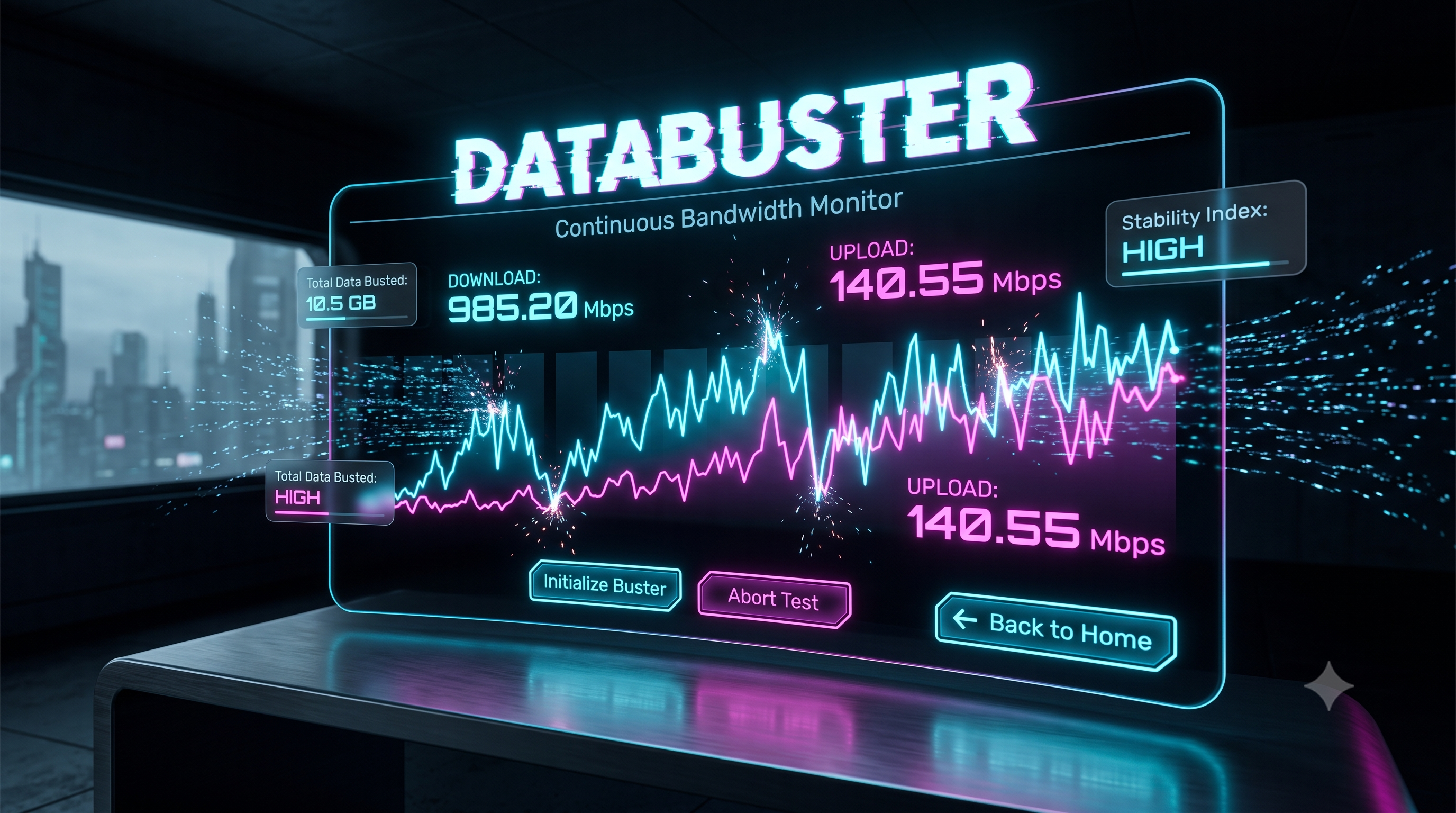
Stop testing your bandwidth in 10 second bursts. DataBusterbyIndiaSocialBookis a free, always-on bandwidth monitoring tool that stress tests your connection live and identifies all those secret lags, drops and throttling issues you can’t catch with speed tests.
DataBuster: Show Your True Internet Speed Through Constant Monitoring We all know the situation: your video chat freezes or your game disconnects, yet running a basic internet speed test says your connection is completely normal.
The catch?
A conventional speed test only checks your network for 10–15 seconds.If your internet provider throttles your connection after a minute or so, or if your connection has intermittent packet loss, a regular test won’t reveal it.
This is precisely why we built DataBuster - a continuously running, real-time bandwidth monitor designed to stress test your connection as long as needed. Why a Continuous Speed Test is Critical Standard speed tests are akin to taking a single picture of a moving car to determine its speed. A continuous test is more like recording an entire video of the car’s dashboard. A sustained test provides a comprehensive view of your network health for the following reasons: Catch intermittent drops: Discover if your internet sporadically cuts out for only a few seconds (a disaster for professional gamers).
Expose ISP throttling: Many Internet Service Providers (ISPs) give a brief "burst" of speed for the first 10 seconds of a download before aggressively throttling you.
DataBuster runs continuously, uncovering fake burst speeds. Test router stability: Stress test your Wi-Fi system at home. Walk around your home with DataBuster on your mobile device to immediately identify Wi-Fi dead spots.
Key DataBuster Features We've created DataBuster to be light, precise, and aesthetically pleasing. Live Data Graphing: Built using Chart.js, visualize your download and upload speeds plotted on a sleek dual-line graph updated every 500ms. Asynchronous Dual-Testing: Instead of the old method of pausing downloads to test uploads, DataBuster simultaneously pushes download and upload traffic to test against severe real-world network strain.
Total Data Tracker: Monitor exactly how much data (in MB) the tool has used through your network during the test.
Zero Installation Required: No risky software downloads needed. DataBuster runs exclusively in your web browser. Cyberpunk Dark Mode UI: Enjoy a streamlined, high-contrast interface with neon accents on desktop and mobile.
Who Should Use DataBuster?
Although anyone can benefit from knowing their real internet speed, this tool is particularly useful for: Live Streamers (Twitch/YouTube): Ensure consistent upload speeds over long periods, avoiding dropped frames during broadcasts.Competitive Gamers: Verify network stability for stable ping during critical gameplay moments. Remote Workers: Diagnose voice interruptions in Zoom calls even with a seemingly fast connection. Network Admins: Quickly test local network infrastructure through a browser without installing any complex software.
How to Test Your Connection Launching is simple and requires a single click: Navigate to https://indiasocialbook.com/databuster. Click the Initialize Buster button. Observe the live graph.
Let it run for at least 3–5 minutes to evaluate how your network handles sustained loads.
Click Abort Test when finished to halt data consumption. Please Note: This tool continuously downloads and uploads data and will consume your internet bandwidth. If you have a strict mobile data limit, use with caution!