

How Long Does It Take to Build a PC? (Realistic Time Guide for Beginners)
Building a PC sounds like a huge undertaking at first—but when you break it down into steps, you'll realize it's actually quite a simple process. One of the main questions you'll want to consider before you start building is:
“How long is it going to take me to build a PC?”
Well, the honest truth is—it depends on you! Let's break this down in a realistic manner.
 Average Time It Takes to Build a PC
Let's take a look at a realistic time frame depending on how good you are at building a PC:
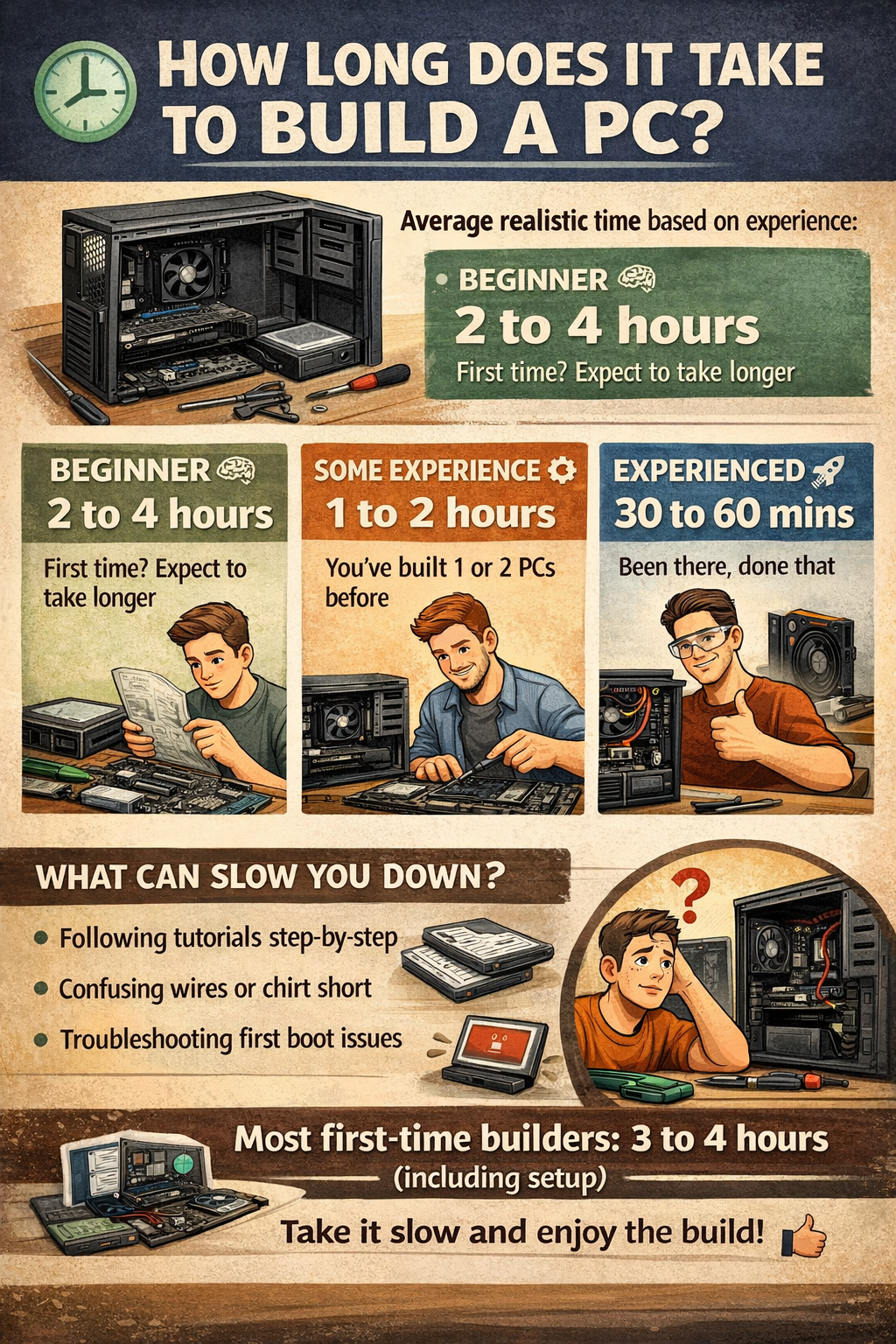
- If you're a Beginner, it'll take you around 2 to 4 hours.
- If you're an Intermediate PC builder with some experience, it'll take you around 1 to 2 hours.
- If you're an Experienced PC builder, you'll take around 30 minutes to 1 hour.
As a beginner, the more time you take building a PC, the less room there is for error.
How Long Does It Actually Take to Build a PC? A Step-by-Step Guide
Let's take a look at a step-by-step guide on how long it actually takes to build a PC:
1. Preparing the PC Parts & Workspace (15–30 minutes)
- Unboxing the parts
- Reading the manuals
- Preparing the workspace
2. Installing the CPU & Cooler (20–40 minutes)
- This is the step where you'll want to take your time
- Applying thermal paste & cooler
3. Installing the RAM & Storage (10–20 minutes)
- One of the simplest steps
4. Mounting the Motherboard & Power Supply (20–40 minutes)
- Making sure everything is properly aligned
- Making sure everything is properly seated
5. Installing the GPU (10–15 minutes)
- One of the simplest parts of the entire process
6. Cable Management (20–60 minutes)
- Where most beginners take extra time
- Clean cables = good airflow + good looks
7. First Boot & Testing (10–20 minutes)
- Ensuring everything powers up correctly
What About Windows Installation?
After assembling your brand new computer, you need to install an operating system:
- Windows Installation: 20–40 minutes
- Drivers & Updates: 20–60 minutes
So, the total setup process (building + software) may take 3 to 5 hours for a beginner.
 Things That Can Slow You Down
It’s possible to take a little longer to build your computer, even if you’re a beginner, if:
- You’re following a guide step by step
- The cables are a hassle to manage
- The computer doesn’t turn on (common issue for beginners)
- You want to make everything look nice
Tips to Build Faster (Without Mistakes)
- Watch 1 to 2 videos of a complete build process before you start
- Have your motherboard manual open
- Never force anything that doesn’t fit
- Prepare your screws and cables beforehand
- Take your time if your computer doesn’t turn on
Final Thoughts
For a first-time builder, the total process (building + setup) should take around 3 to 4 hours.
And to be honest, that’s part of the fun.
It’s not just a matter of saving money; it’s a matter of understanding your computer and enjoying the process.


